Steinvar DocsDocuments and e-signatureContracts from draft to archive, with evidence.
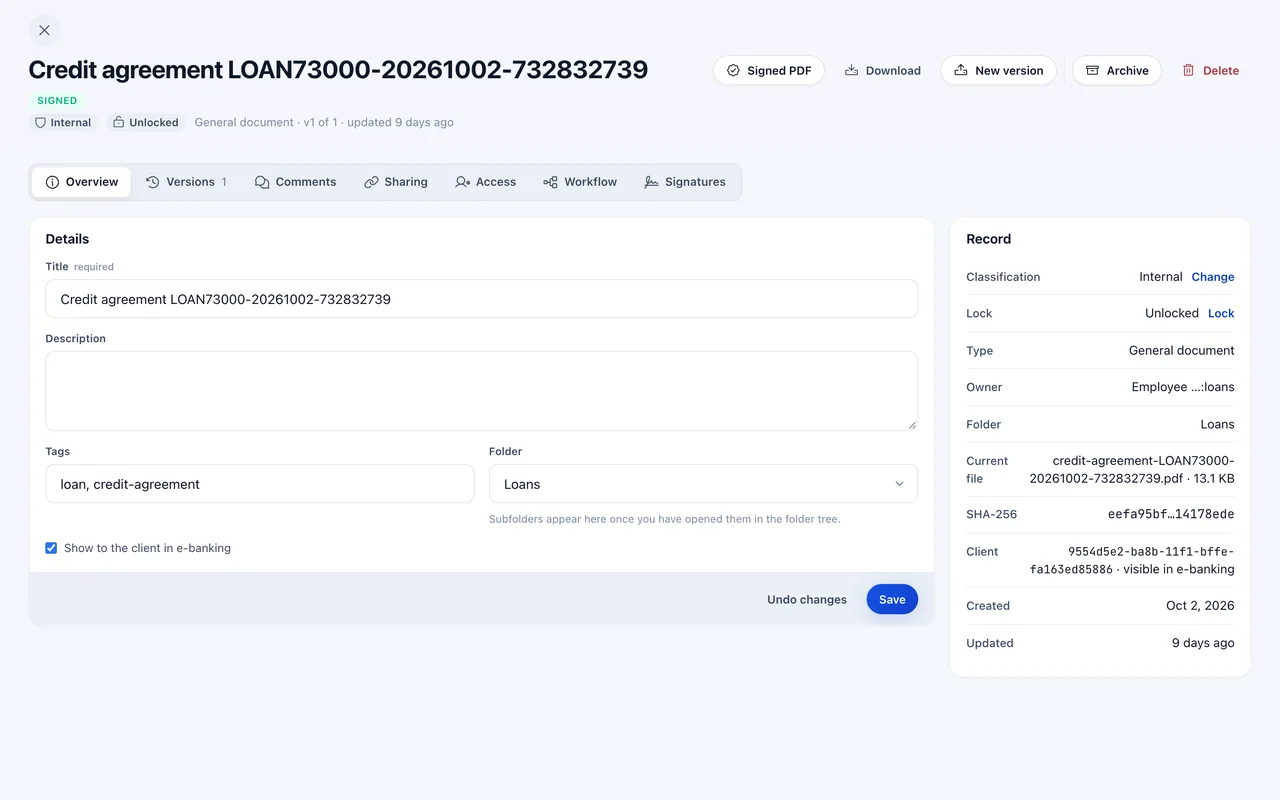
Steinvar Docs keeps every document the bank produces or receives: immutable versions, contracts built from clauses, approvals by quorum, signatures with sealed evidence, and PDFs sealed and timestamped by the platform. Loans, deposits, statements and KYC records are filed here without anyone uploading them.
The HQ back office; the workplace and people’s names are blurred.
- PAdES B-T
- platform seal with an RFC 3161 timestamp
- Immutable
- versions with a hash-chained history
- Automatic
- filing of agreements, statements and KYC records
Documents
Immutable versions
A change is a new version; earlier versions stay as they were, with who changed what and when.
Retention and holds
Retention rules, and legal holds that stop a document from being deleted.
Safe uploads
Every file is malware-scanned before it is stored.
Contracts and approvals
Contracts from clauses
Templates and clauses assembled into contracts, versioned like any other document.
Approval workflows
Workflows defined in YAML or JSON with quorum approvals before a document goes out.
Signatures
Electronic signatures
Signers confirm with a one-time code; the evidence of who signed, when and what is sealed with the document.
Platform seal
Signed PDFs sealed with PAdES B-B or B-T and timestamped by an RFC 3161 timestamp authority.
Public signing links
External signers sign or view a shared document from a link, without an account.
Integration
Filed by the platform
Loan and deposit agreements, monthly statements, collections letters and approved KYC records are filed on their own.
Webhooks and API
Events delivered by webhook through an outbox, and a documented OpenAPI interface.
How an agreement is signed
Generate
The agreement is produced from the product’s terms as a PDF.
Approve
Where a workflow applies, the quorum approves it.
Sign
The customer signs, then the bank; each signature is confirmed by a code.
Seal
The platform seals and timestamps the PDF and files it with its evidence.
Controls built in.
Pinned content
A signature covers the document’s SHA-256, so what was signed cannot change.
Frozen records
Approved KYC records are final and cannot be revised.
Audit
Document history is hash-chained, with signed seals.
Standards and formats
- PAdES B-B / B-T
- RFC 3161
- SHA-256
- OpenAPI
- Simple electronic signature (eIDAS)
Not in this module today
- Signatures are simple electronic signatures; qualified and advanced signatures need a QES provider, which is not connected.
Questions about Steinvar Docs
Do customers need an account to sign?
No. A public signing link lets an external signer read and sign the document after confirming a one-time code.
What level of e-signature is it?
A simple electronic signature with sealed evidence, and a PAdES seal with a trusted timestamp from the platform. Qualified signatures need a QES provider.