See how a workflow runs.
A guided walkthrough of real Steinvar screens, step by step: who acts, what changes and which control applies. The screens are still images captured from the product, with names blurred. They are not a live demo, and not one customer followed end to end: each step says whether its image is a real record of that kind or the configuration the step runs on.
From onboarding the borrower to the books, the way a lending fintech runs a loan.
Step 1 of 7
Verify the borrower
- Who acts
- A reviewer
- What changes
- The applicant’s KYC case runs under your versioned policy (documents, registries, screening) and moves to approved.
- Control
- Until the case is approved, the customer cannot open a loan.
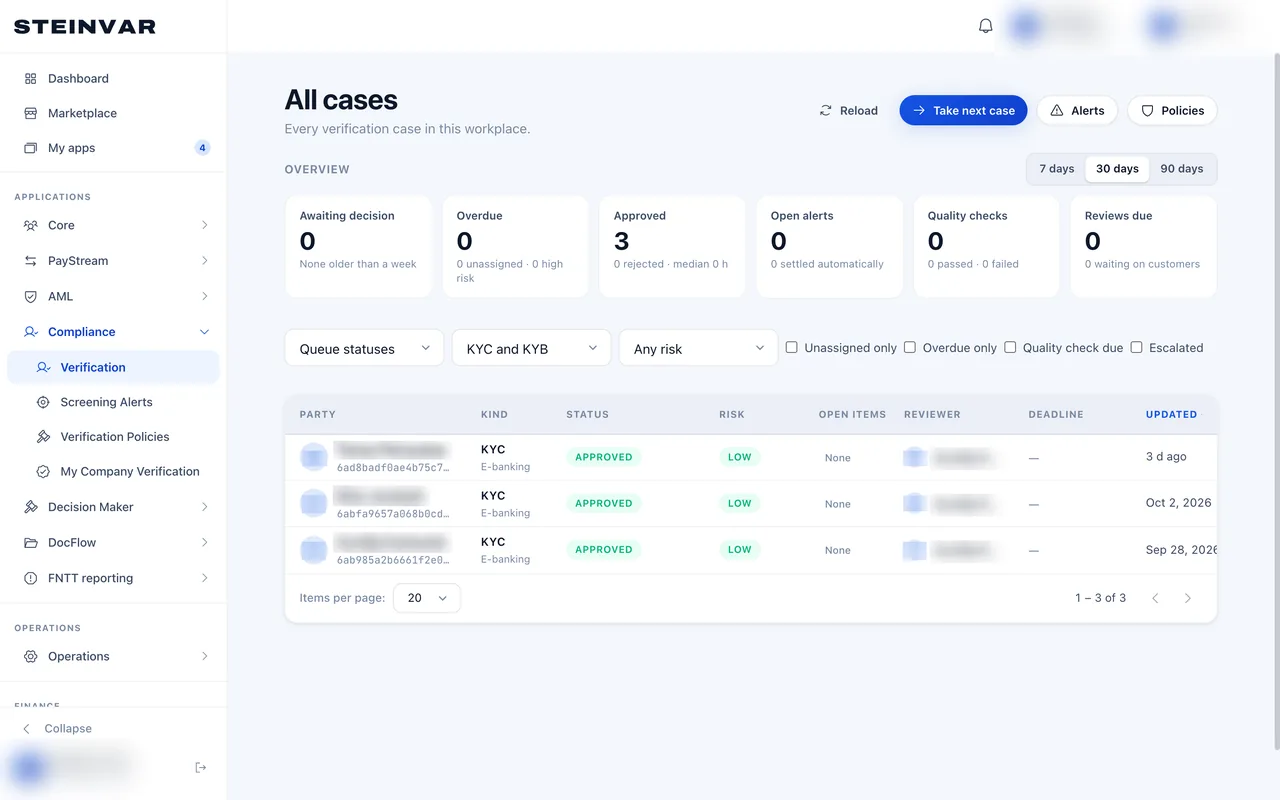
In this screen: The overview counts what waits and what is overdue; each approved case shows its risk rating and the reviewer.
Real record A real record of this kind from the test workplace; not the same customer as the other steps.
More about Steinvar Verify